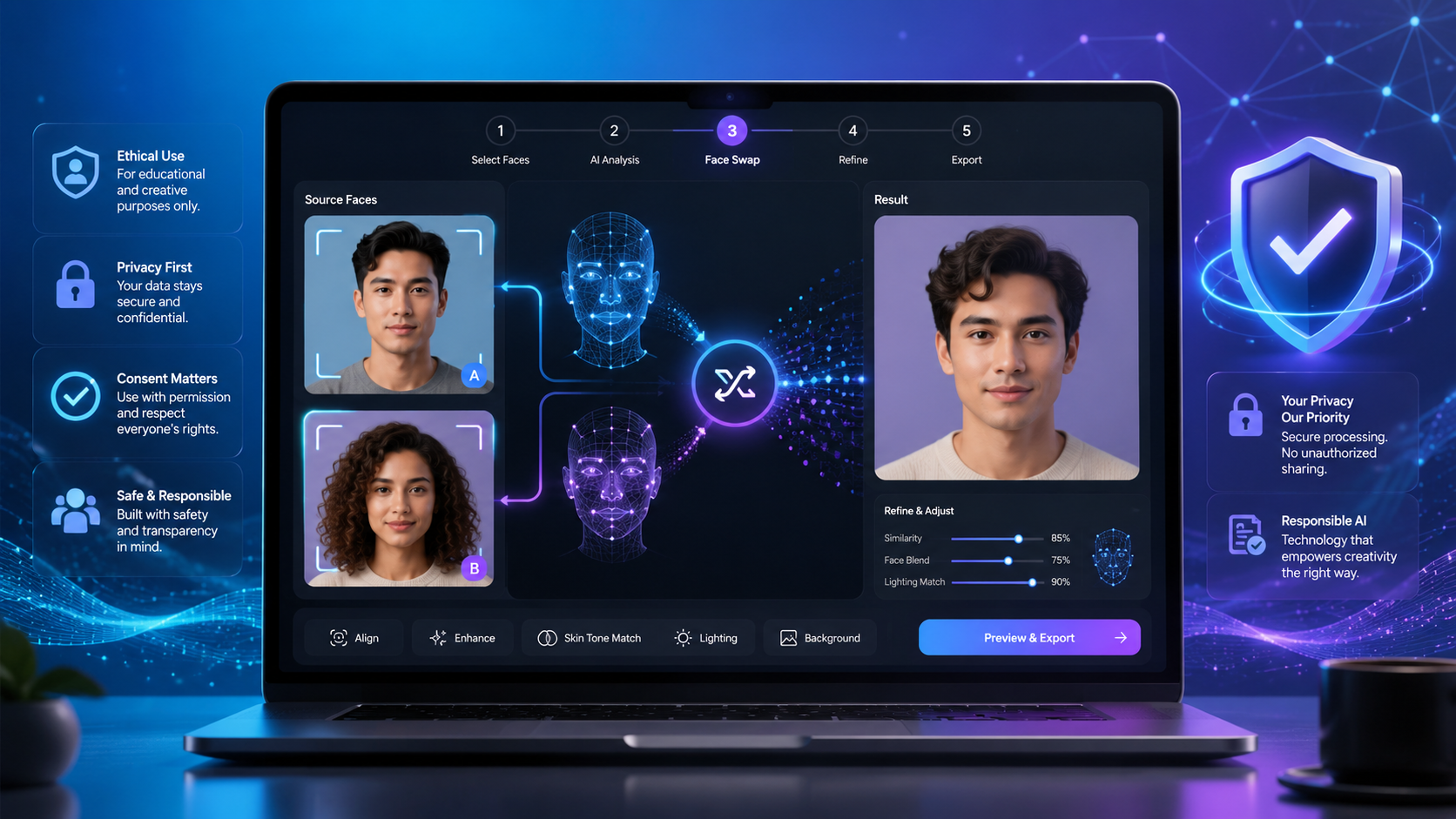
AI face swap tools got good fast. The outputs now look realistic enough to fool a casual observer — and you don’t need any editing skills to pull it off. This guide walks you through everything from your first swap to advanced techniques.
What You Need to Get Started
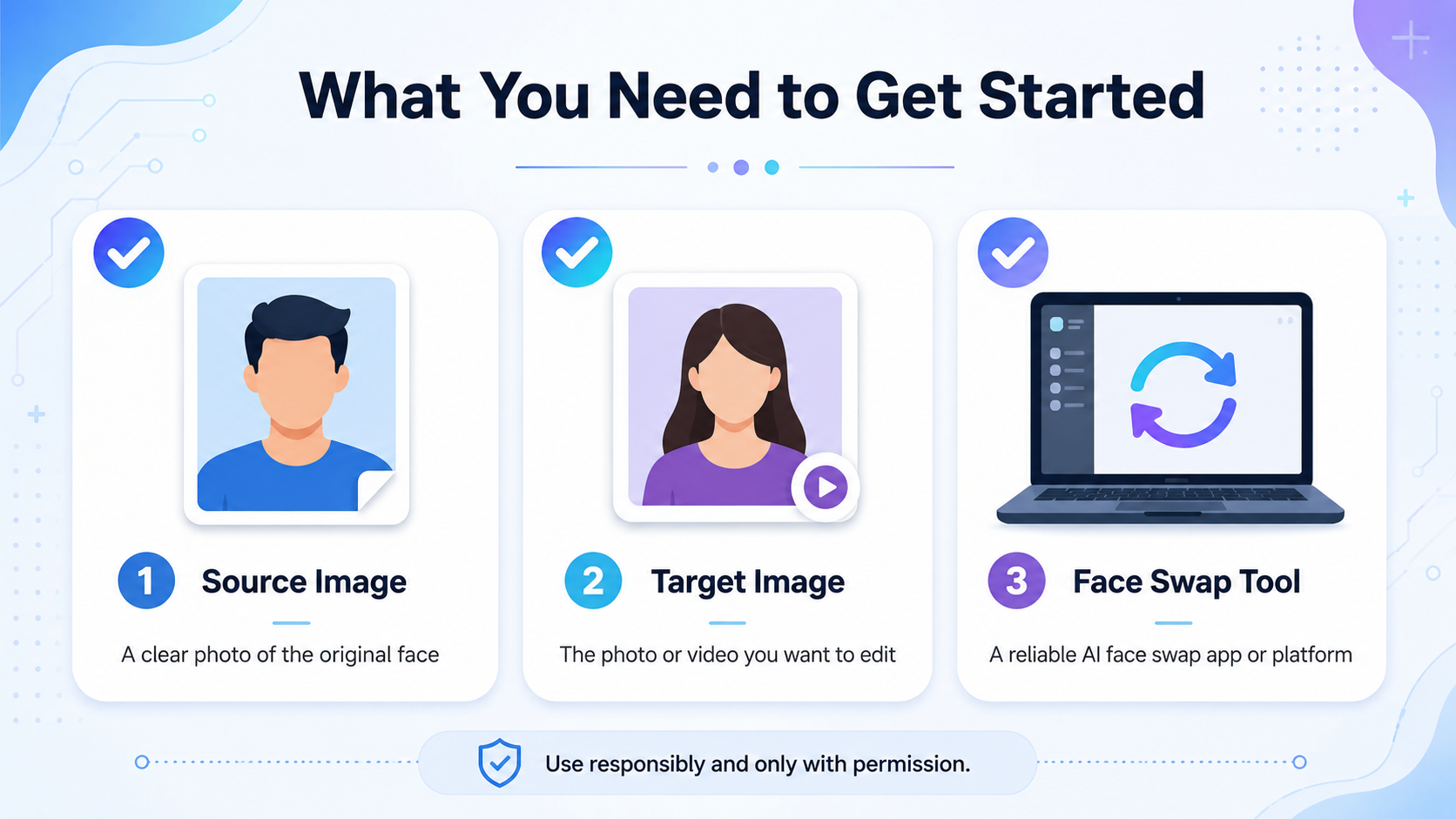
Three things. That’s all it takes to run an AI face swap for adult content:
- A platform that supports NSFW content — standard tools like FaceApp block adult material
- A body image (target) — the image with the body you want to use
- A face image (source) — a clear photo of the face you want to apply
No technical knowledge, no software installs, no editing chops. The AI takes care of lighting correction, skin tone matching, angle adjustment, and blending.
Step-by-Step: Your First Face Swap
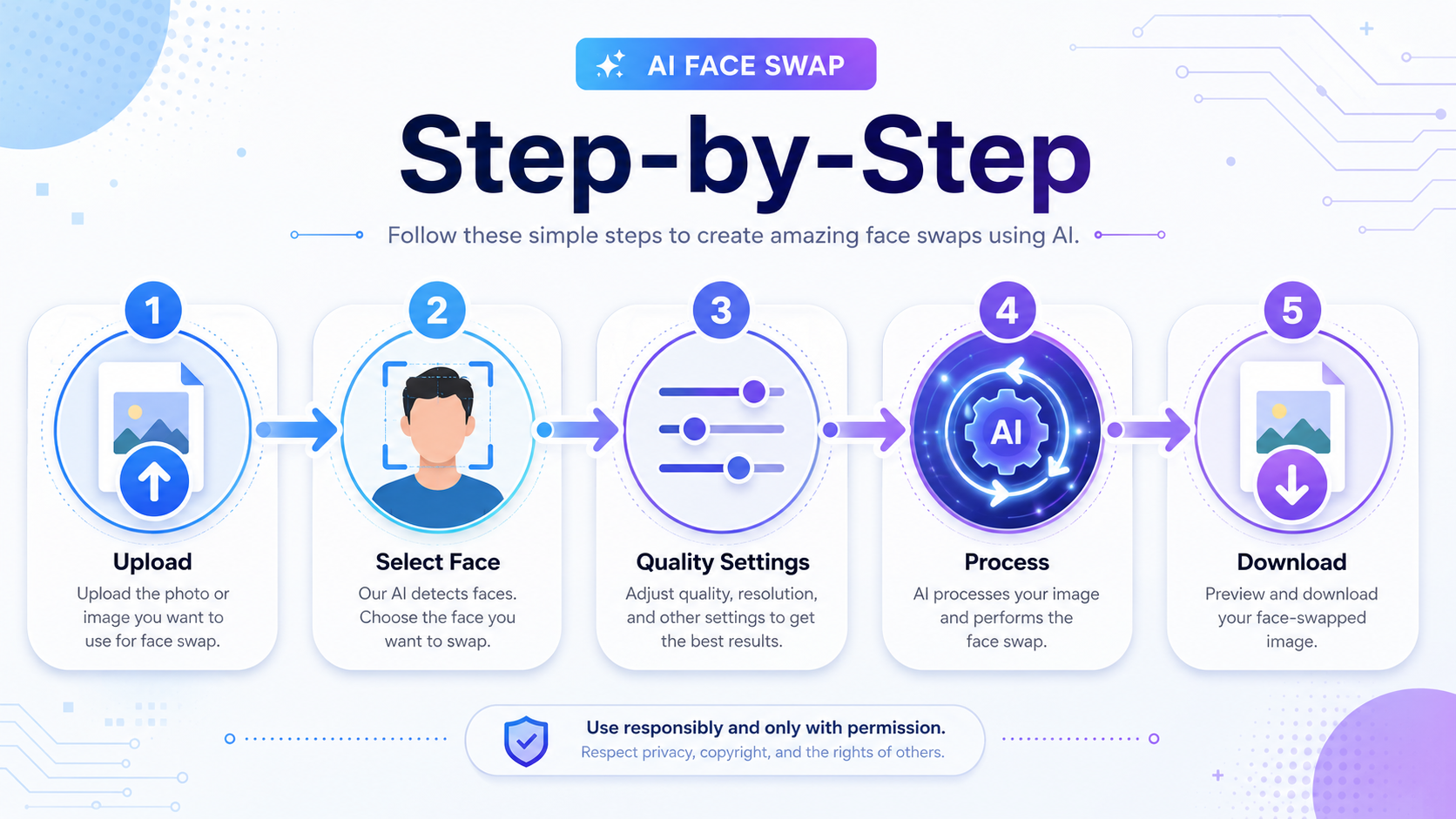
Create Your Free Account
Head to imagenude.com/register. Sign up with an email — no credit card needed. You get 20 free credits right away. Each face swap costs 3 credits, so that’s 6 free swaps to start with.
Open Face Swap Mode
Click Face Swap in the toolbar. The editor switches to Face Swap mode with two upload slots side by side.
Upload the Body Image (Target)
Drop your body image into Slot 1 (labeled “Body” or “Target”). This image’s body shows up in the final result. Clear lighting and a single subject work best.
Upload the Face Image (Source)
Drop your face image into Slot 2 (labeled “Face” or “Source”). This face gets layered onto the body. Front-facing shots with even lighting give the sharpest results.
Generate and Download
Hit Generate. The AI reads both images, matches skin tone and lighting, and hands you a finished result in about 8 seconds. Grab the download right away — images get wiped from the server within 1 hour.
Privacy tip: Image Nude wipes all images within 1 hour automatically. Download your result as soon as it’s ready and close the tab when you’re done.
Best Practices for Realistic Results
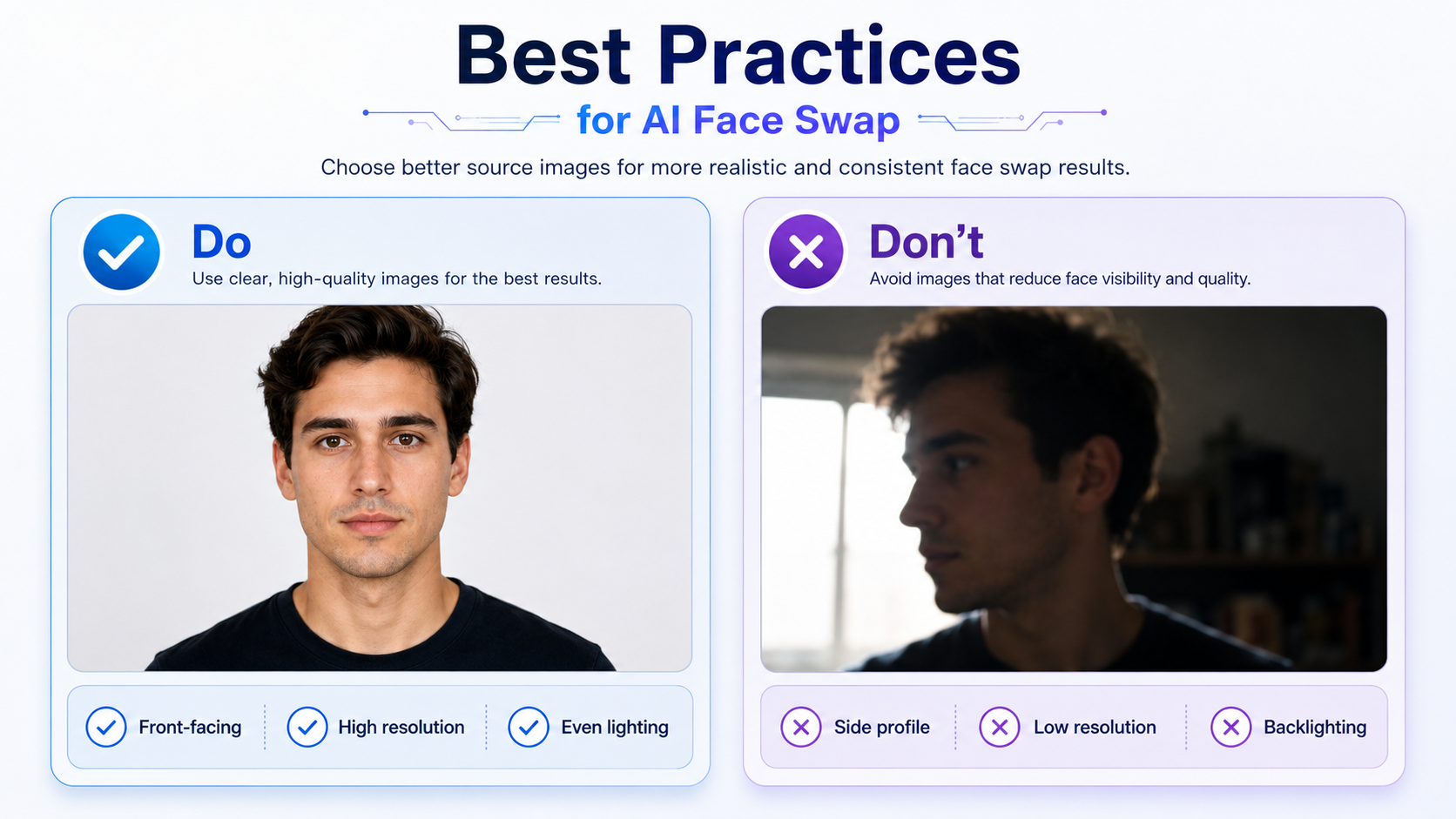
Choosing the Right Face Image
Your face source makes or breaks the swap. Here’s what works:
| Face Image Type | Result Quality | Notes |
|---|---|---|
| Front-facing, good lighting | Excellent | Best possible results |
| Slight angle (15–30°) | Very Good | AI corrects angle automatically |
| Profile / side view | Fair | Accuracy drops |
| Blurry or low resolution | Poor | Artifacts more likely |
| Sunglasses or mask | Very Poor | Face landmarks blocked |
| Extreme shadows | Poor | Skin tone mismatch likely |
Choosing the Right Body Image
- AI-generated bodies give the cleanest results. Consistent lighting and skin rendering make face blending far smoother than with real photos.
- A roughly front-facing body blends more naturally than extreme angles.
- Even lighting on the body helps the AI nail the skin tone match.
- Higher resolution = sharper, more detailed output.
Advanced Workflow: Undress + Face Swap
The real power move is chaining Undress mode and Face Swap together. You control both the body and the face in a single workflow.
The Two-Step Workflow
Generate or upload your body image
Use txt2img to generate a body, or upload a photo. Run Nude Mode (inpaint) to strip clothing if needed.
Apply your face with Face Swap
Feed the step-1 result as your body image, then layer on your chosen face. You end up with exactly the body and face you want.
Save your favorite faces: Register faces you plan to reuse with Image Nude’s face-saving feature. Free users get 1 slot; paid users get up to 10. Saved faces show up in the “My Faces” panel for one-click selection.
Common Mistakes to Avoid
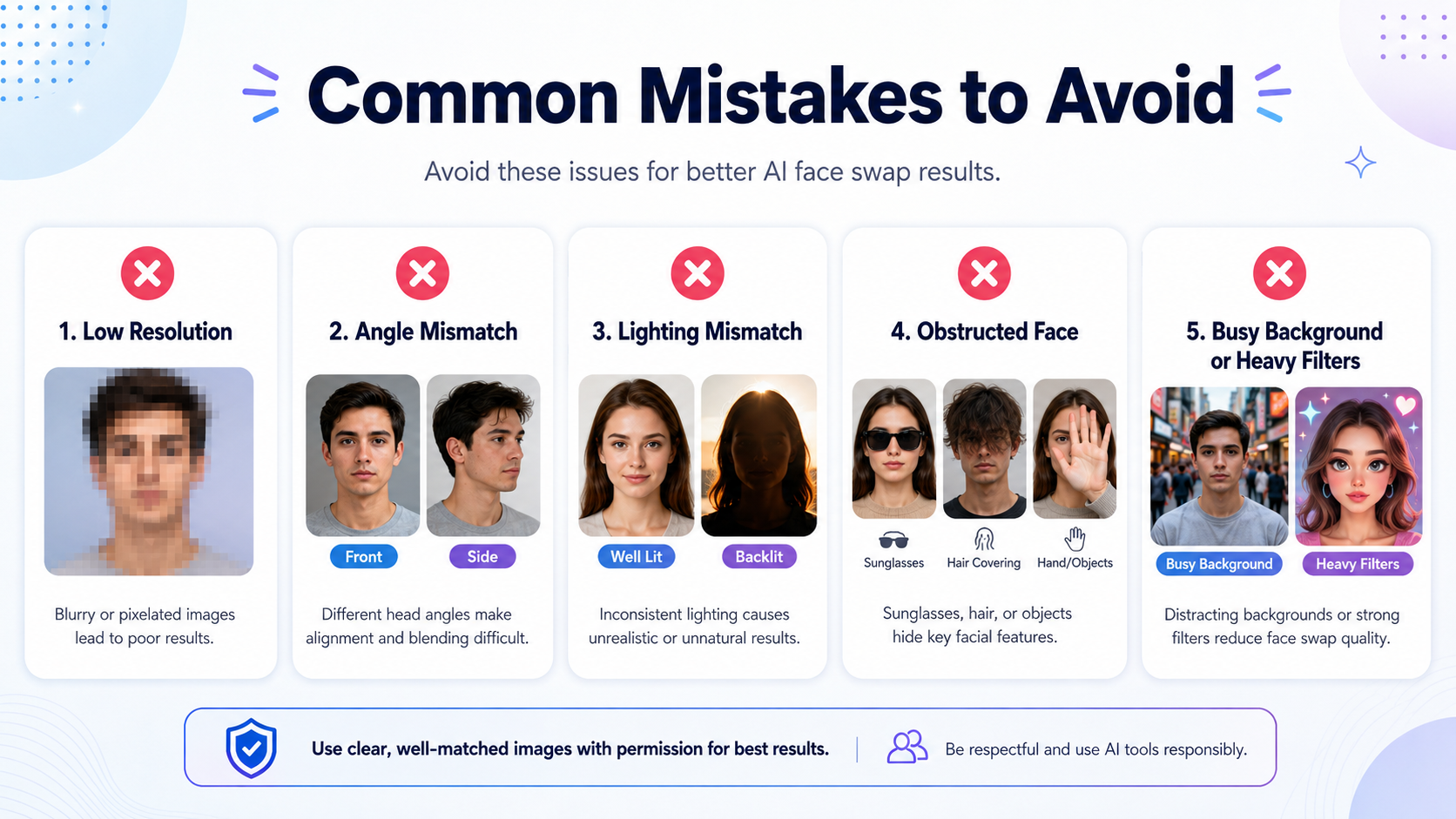
Using a low-quality face source
A blurry or dark face photo will tank your results no matter how sharp the body image is. Always pick the clearest face photo you have.
Mismatched lighting
Bright daylight on the body + a dark-room face shot = an obvious fake. Try to match the lighting conditions between your two sources.
Stopping after one try
Every generation has some randomness baked in. If the first result isn’t right, hit Generate again with the same images. The second or third attempt often nails it.
Using group photos as face source
Multiple faces in the source image? The AI might grab the wrong one. Crop to a single face before uploading.
Paying Anonymously
Image Nude takes over 50 cryptocurrencies — Bitcoin, Ethereum, USDT, and more — through NowPayments. Crypto transactions don’t hit your bank or credit card statements, so nothing traces back to you.
The Basic plan ($14.99 / 100 credits) covers roughly 33 face swaps. If privacy matters, crypto is the way to go.
Start Your First Face Swap Free
20 credits on signup. No credit card required. Results in 8 seconds.
18+ only · All content AI-generated · Images deleted within 1 hour