DeepSwap Review: AI Face Swap for Videos & Photos
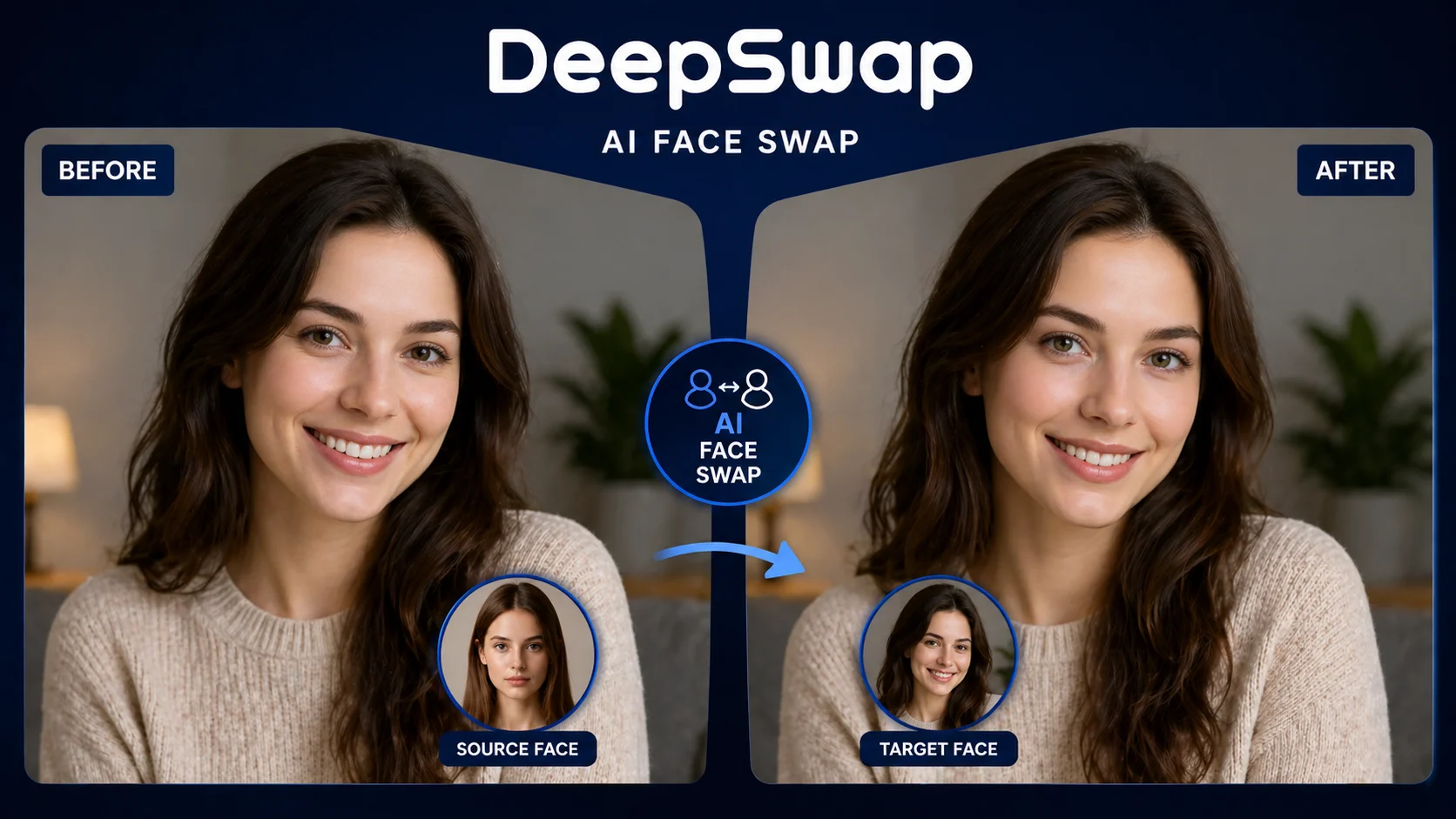
Face swap technology has moved far beyond the novelty filter stage. DeepSwap positions itself as a premium AI face-swapping tool that handles videos, photos, and GIFs with results that look convincingly natural. The platform has attracted millions of users since its launch, but attention alone doesn’t guarantee quality. I spent two weeks testing DeepSwap across different media types and scenarios to find out if the output actually matches the marketing promises.
This review covers the platform’s face swap accuracy, video processing quality, pricing structure, and practical limitations. If you’re weighing DeepSwap against alternatives or just want to know whether it’s worth paying for, here’s what I found after hands-on testing.
What Is DeepSwap?
DeepSwap is a web-based AI face swap platform that processes photos, videos, and GIFs. Users upload a source face and target media, and the AI replaces faces in the target with the uploaded face. The platform runs entirely in the browser—no software installation required, no GPU needed on your end. All processing happens on DeepSwap’s servers.
The service launched in 2022 and has steadily improved its AI models since then. The current version uses what DeepSwap describes as their proprietary deep learning model, which handles face detection, alignment, blending, and color matching automatically. Users don’t need any editing skills or technical knowledge to produce results.
DeepSwap supports NSFW content, which sets it apart from mainstream face swap apps that restrict adult material. This has made it popular among users looking to create custom adult content, though the platform also handles standard SFW face swaps perfectly well.
How DeepSwap Works
The workflow is straightforward. You upload a clear photo of the face you want to use as the source. Then you upload the target—a photo, video clip, or GIF where you want the face replaced. Hit the swap button, and the AI processes the media. For photos, results appear within seconds. Videos take longer depending on length and resolution.
The platform handles multiple faces in a single image or video. If your target contains several people, DeepSwap detects each face and lets you choose which ones to swap. You can apply different source faces to different detected faces in the same media, which is useful for group photos or multi-person video scenes.
There’s no editing interface beyond the basic swap function. You can’t adjust blending intensity, skin tone matching, or facial feature positioning manually. The AI makes all these decisions automatically. This keeps the process simple but limits control for users who want fine-tuned results.
Face Swap Quality: Photos
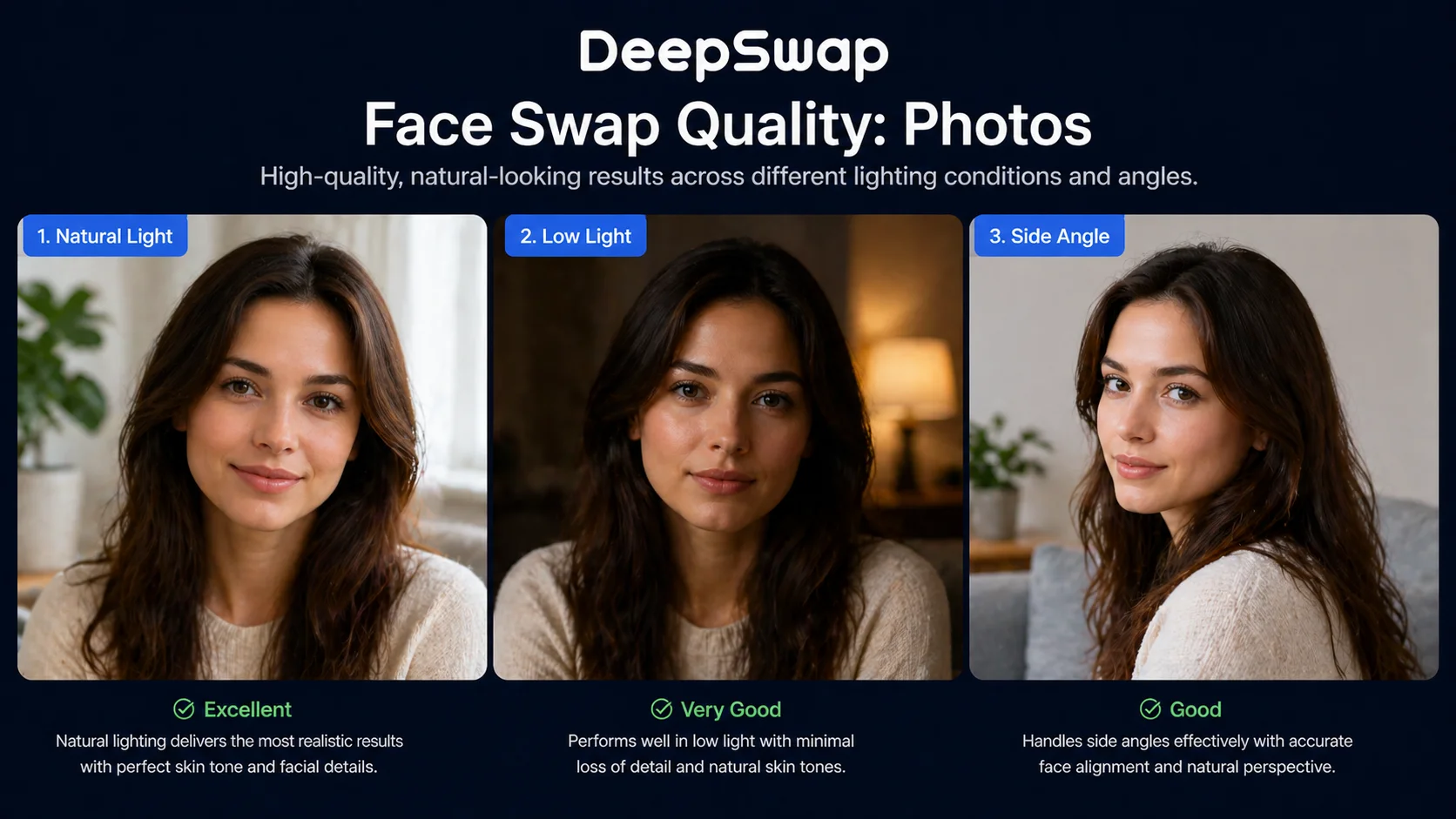
Photo face swaps are DeepSwap’s strongest capability. When both the source face and target photo are well-lit, front-facing, and high resolution, the results look genuinely convincing. The AI handles skin tone matching well, adjusting the swapped face to blend with the target body’s lighting conditions. Hairline blending—typically the weakest point for face swap tools—is handled better than most competitors.
Side-angle faces work reasonably well but not perfectly. Faces turned more than about 45 degrees from center start showing artifacts around the jaw and ear areas. Extreme angles (profile views) often produce obviously fake-looking results with warping along the face edges.
Faces with accessories present challenges. Glasses are handled inconsistently—sometimes the AI preserves them cleanly, other times they create visible distortion. Hats and headbands that partially cover the forehead occasionally cause the swapped face to extend unnaturally. Heavy makeup on the source face sometimes transfers partially to the swapped result, creating a slightly uncanny look.
Overall photo quality rates above average compared to other face swap tools. About 7 out of 10 swaps looked natural enough to pass casual inspection. The remaining 3 had visible artifacts that ranged from minor (slight skin tone mismatch) to obvious (warped facial features).
Face Swap Quality: Videos
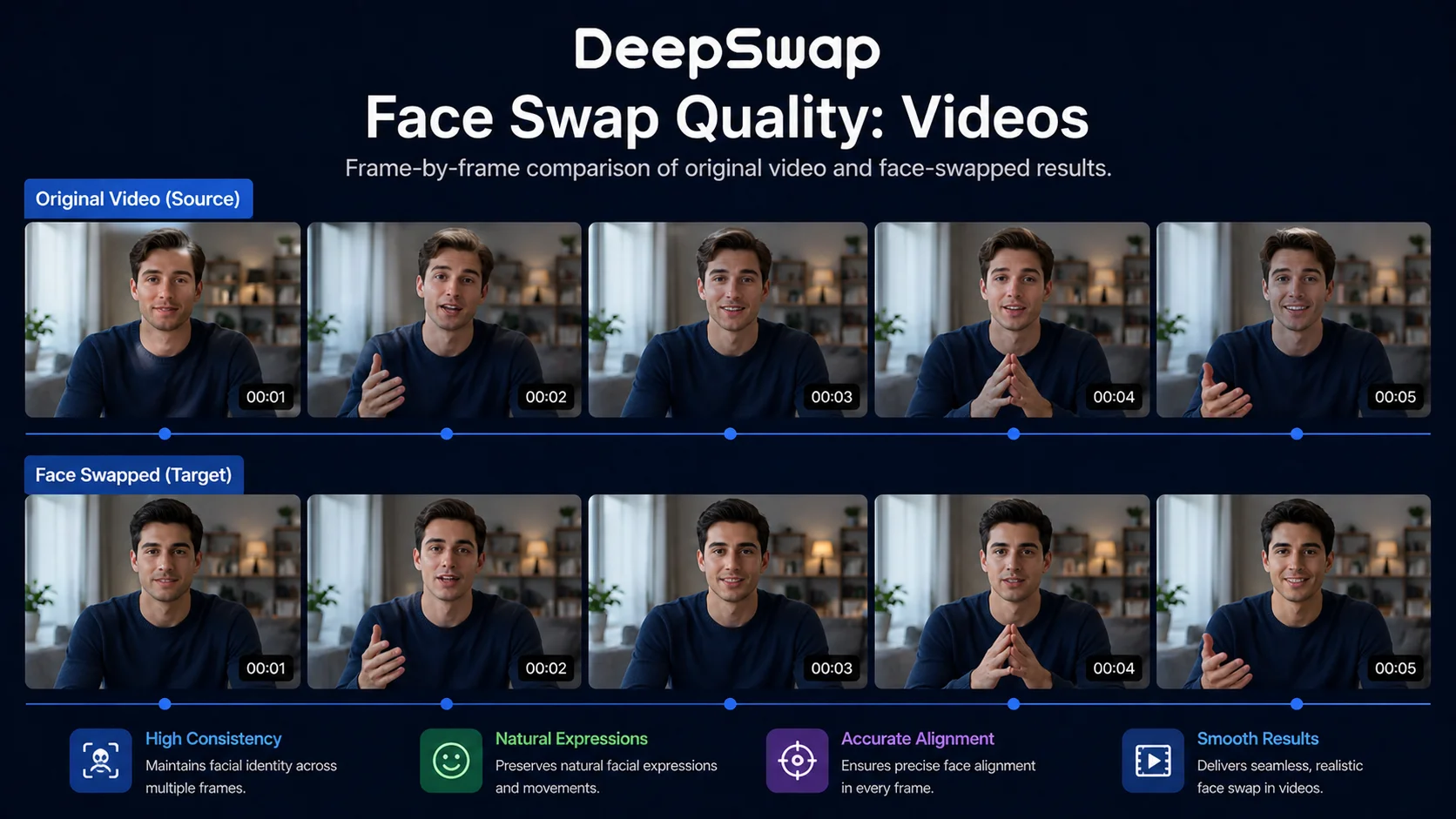
Video face swapping is where DeepSwap faces its biggest test, and results are mixed. Static or slow-moving scenes produce good results that hold up across frames. The face tracking keeps the swapped face properly aligned with head movements when motion is moderate.
Fast head turns are the primary weakness. Quick movements cause the swapped face to lag slightly behind the actual head position, creating a brief but noticeable “sliding” effect. This flicker typically lasts only a few frames, but it’s enough to break the illusion during playback.
Video resolution matters significantly. Source videos at 720p or higher produce dramatically better results than lower resolution clips. With 1080p source material and good lighting, some video swaps looked surprisingly natural through entire 30-second clips. With 480p or lower source material, artifacts become much more visible.
The maximum video length is limited on all plans. Free users can process very short clips, while paid subscribers get longer limits—up to 10 minutes on the highest tier. Processing time scales linearly with video length, so a 5-minute video takes roughly 10 times longer than a 30-second clip.
Audio is preserved during video processing, which is a nice touch that not all competitors offer. The video file format support includes MP4, MOV, and AVI inputs, with MP4 output.
GIF Support
GIF face swapping works similarly to video but at lower resolution. Results tend to look decent because GIF format naturally obscures fine details—the lower resolution and limited color palette actually hide minor artifacts that would be visible in high-res video. If you need quick, shareable face swap content for messaging or social media, the GIF output is serviceable.
NSFW Capabilities
DeepSwap allows adult content face swaps without restriction, which is a primary draw for a significant portion of its user base. The AI doesn’t discriminate based on content type—it processes NSFW media with the same face detection and swapping pipeline used for SFW content.
Quality for NSFW content matches the general quality observations above. Well-lit, high-resolution source material produces better results regardless of content type. The main consideration specific to adult content is that complex body positions and unusual lighting setups (common in adult media) can challenge the face tracking and blending algorithms more than standard portrait photography.
The platform makes no attempt to verify the identity of faces used in swaps, relying on its Terms of Service to prohibit non-consensual usage. This raises obvious ethical concerns that users should consider carefully.
Pricing and Plans
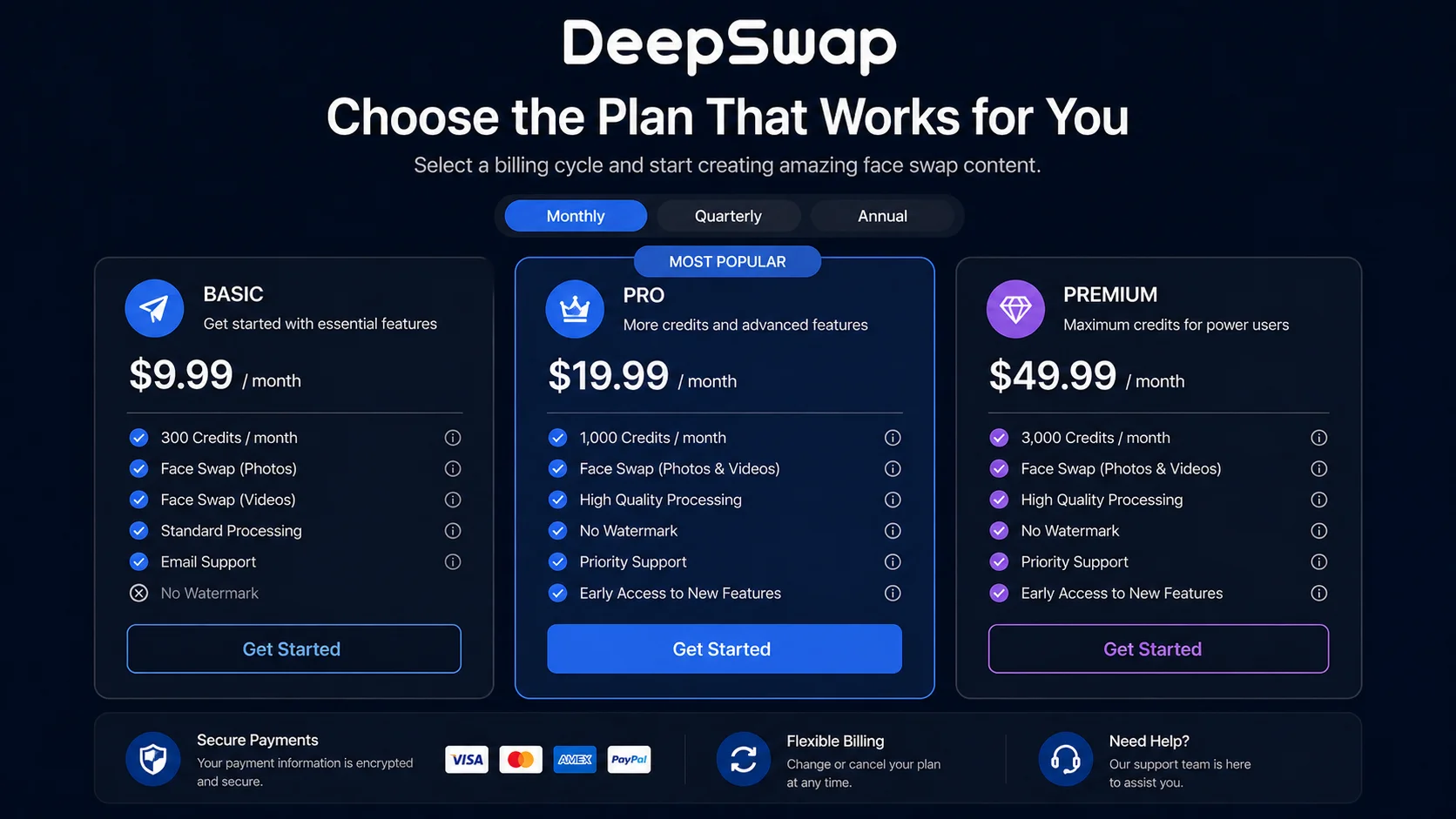
DeepSwap operates on a subscription model with three tiers:
- Free tier: Limited to a few low-resolution photo swaps per day. No video processing. Results include a watermark. Useful only for testing the basic capability.
- Monthly plan (~$9.99/month): Removes watermarks, enables video and GIF processing, increases resolution caps, and provides a reasonable number of monthly credits.
- Annual plan (~$49.99/year): Same features as monthly but at roughly 60% savings. Best value if you know you’ll use the tool regularly.
Credits refresh monthly. Each face swap consumes credits based on the media type and length—photos use the least, long videos use the most. The monthly allotment on the standard plan covers moderate usage (roughly 50-80 photo swaps or 10-15 short video swaps). Heavy users will burn through credits quickly and may need to purchase additional packs.
Compared to competitors, DeepSwap’s pricing sits in the mid-range. It’s cheaper than professional deepfake software but more expensive than basic face swap apps that offer lower quality. The annual plan represents reasonable value if you regularly need face swapping.
User Interface and Experience
The web interface is clean and intuitive. Upload areas are clearly marked, the swap button is prominent, and results display in a straightforward before/after format. There’s no clutter or unnecessary complexity. A first-time user can complete their first face swap within 60 seconds of landing on the page.
The simplicity cuts both ways, though. Power users will find the lack of adjustment options frustrating. There’s no way to manually refine a swap that’s 90% good—you either accept the automatic result or try again with a different source image. Some competitors offer manual blending controls, mask editing, and skin tone adjustment sliders that DeepSwap lacks entirely.
Processing speed is acceptable. Photo swaps complete in 5-15 seconds. Video processing varies from 1-10 minutes depending on length and current server load. During peak hours, I noticed significantly longer processing times for videos, sometimes exceeding 15 minutes for clips that processed in under 5 minutes during off-peak hours.
The platform works on mobile browsers without a dedicated app, though the upload and viewing experience is smoother on desktop. File management is basic—your recent results are stored temporarily but there’s no organized library or project system.
Privacy and Safety Concerns
DeepSwap processes your uploaded media on their servers, which means your photos and videos are transmitted and temporarily stored externally. The privacy policy states that uploaded content is deleted after processing, but users have no way to independently verify this claim.
The ethical dimensions of face swap technology are significant. DeepSwap’s Terms of Service prohibit using the platform for non-consensual content, harassment, or fraud. Enforcement relies primarily on user reports rather than proactive detection, which means the system depends largely on the honor system.
If privacy is a priority, the fact that all processing happens on external servers is worth considering. Desktop-based alternatives that process locally keep your data on your own machine, though they typically require more technical setup and a capable GPU.
Pros and Cons
Pros
- Photo face swaps produce consistently good results with quality source images
- No software installation required—runs entirely in browser
- Supports videos, photos, and GIFs in one platform
- Multi-face detection and selective swapping
- Simple interface that requires zero technical knowledge
- Audio preservation in video processing
- Annual pricing is reasonable for regular users
Cons
- Video face swaps show artifacts during fast head movements
- No manual adjustment or blending controls
- Free tier is extremely limited—barely useful beyond basic testing
- Processing times increase significantly during peak hours
- Credit system means heavy users face additional costs beyond subscription
- All processing happens on external servers—privacy-conscious users beware
- Side-angle and profile faces produce inconsistent results
How DeepSwap Compares to Alternatives
Against free options like InsightFace or open-source tools, DeepSwap wins on convenience but loses on cost and flexibility. Free tools require technical setup and often a local GPU, but they offer unlimited usage and full control over the process. DeepSwap trades that control for accessibility.
Against other paid platforms like Reface or FaceMagic, DeepSwap offers better video quality and longer video support. Reface excels at short-form GIF content but caps video length more aggressively. FaceMagic has a stronger mobile app but weaker web experience.
For NSFW-specific use cases, DeepSwap has fewer restrictions than mainstream alternatives. Most consumer face swap apps block adult content entirely, making DeepSwap one of the more accessible options for that use case.
Who Should Use DeepSwap?
DeepSwap works best for users who want quick, reasonably good face swaps without technical setup. If you need to process a moderate number of face swaps per month across photos and short videos, the paid plan delivers acceptable value. Content creators who need face swap capabilities as one tool among many will appreciate the speed and simplicity.
Users who need the highest possible quality, unlimited processing, or full privacy should look at desktop-based alternatives instead. The quality ceiling for video processing in particular hasn’t reached the point where DeepSwap can replace professional-grade deepfake tools for demanding applications.
Verdict: 6.8/10
DeepSwap delivers competent face swapping wrapped in one of the most user-friendly interfaces available. Photo results are genuinely good, video results are acceptable with the right source material, and the zero-setup browser experience removes all technical barriers. But the lack of manual controls, credit limitations, and video quality inconsistencies keep it from being a complete solution. It’s a solid mid-range option—good enough for casual and moderate use, but not the tool you’d pick if quality and control are your top priorities. The annual plan represents fair value; the monthly plan feels expensive for what you get.